
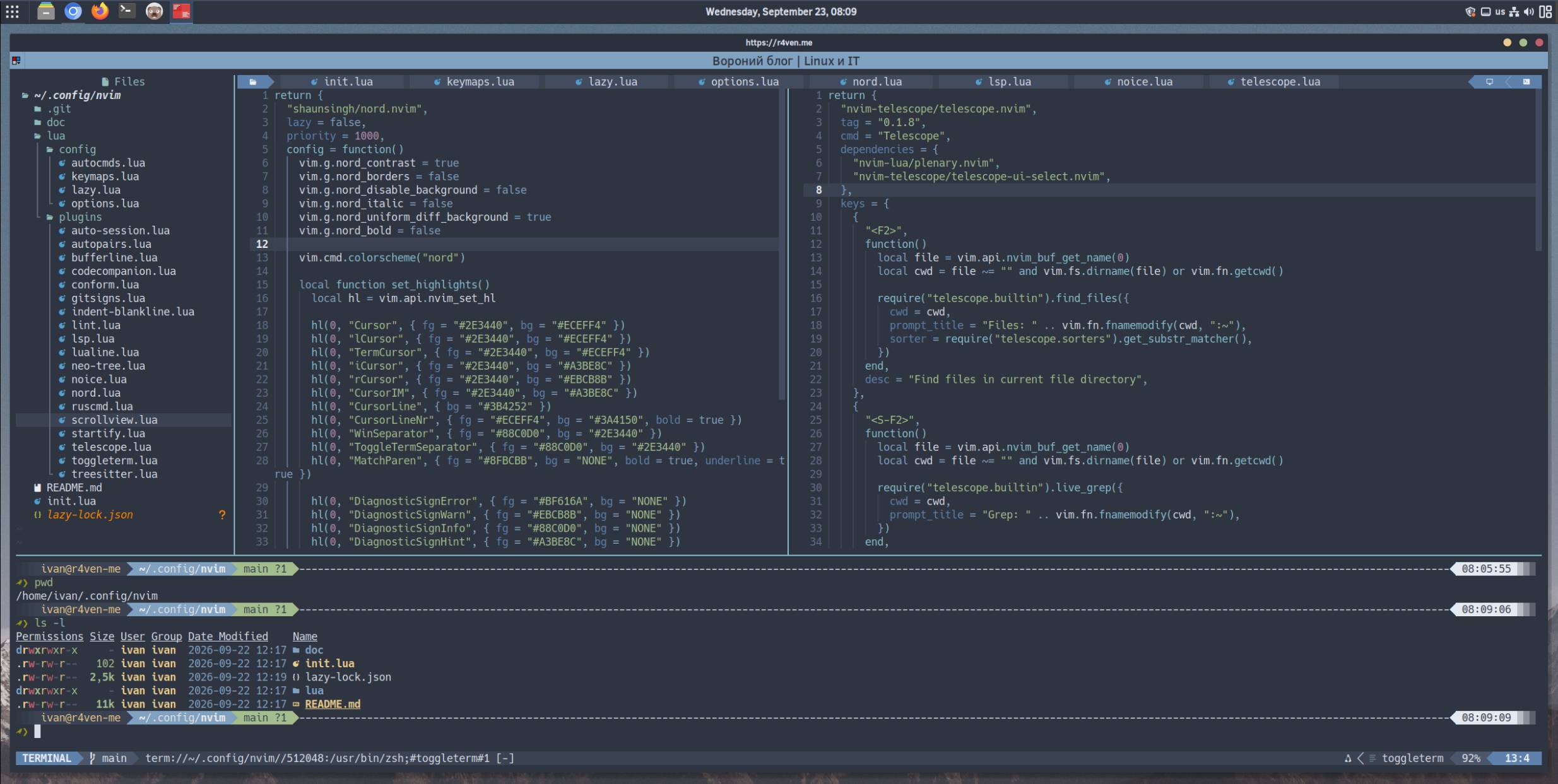
Overview
A modular Neovim config in Lua instead of one giant vimscript file. Not aiming to be a full-blown IDE - the focus is on a pleasant UI, fast startup, syntax highlighting, optional diagnostics via external CLI linters, and formatting on demand.
Quick start
For Debian/Ubuntu, install the dependencies:
sudo apt update && sudo apt install -y neovim git ripgrepRequires Neovim 0.11 or newer. If your distribution’s repository only has an older version, build from source - steps are in the full breakdown.
Clone the config straight into ~/.config/nvim:
git clone --branch raven https://github.com/r4ven-me/neovim ~/.config/nvimFirst run:
nvimOn first launch the config clones lazy.nvim itself, installs the plugins, and pulls the required Treesitter parsers - this takes a little while.
A monospaced Nerd Font is needed for icons to render correctly.
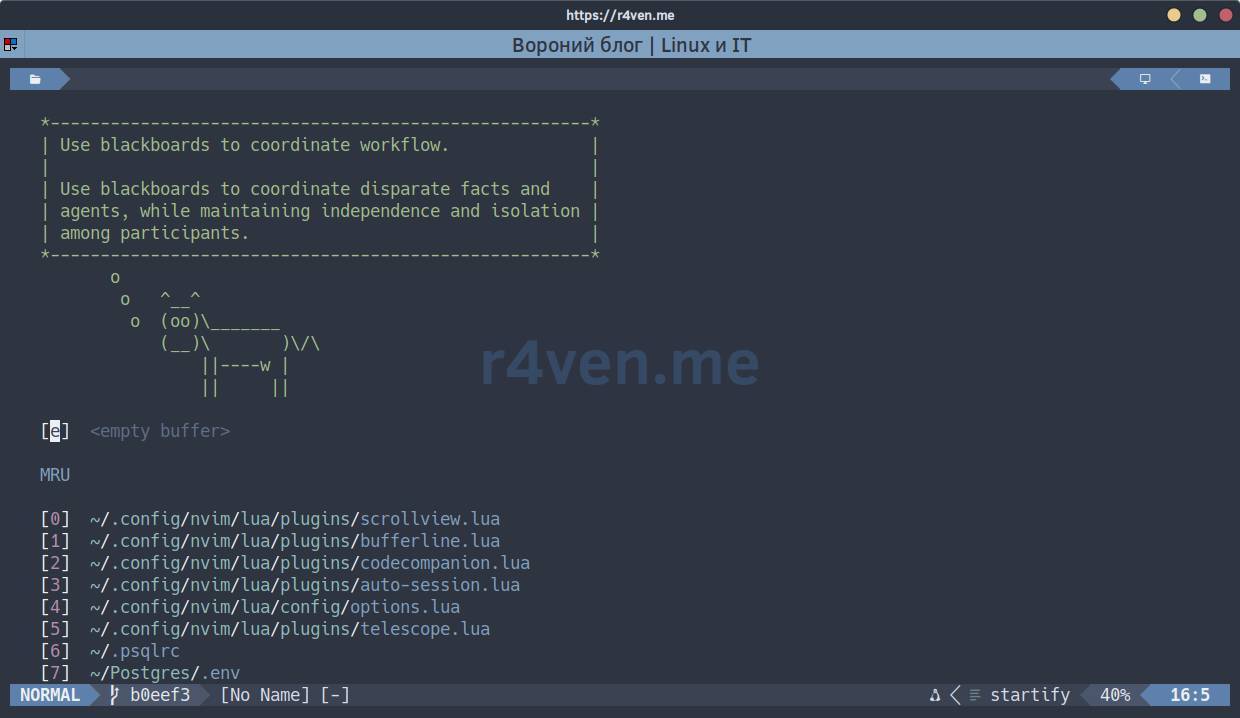
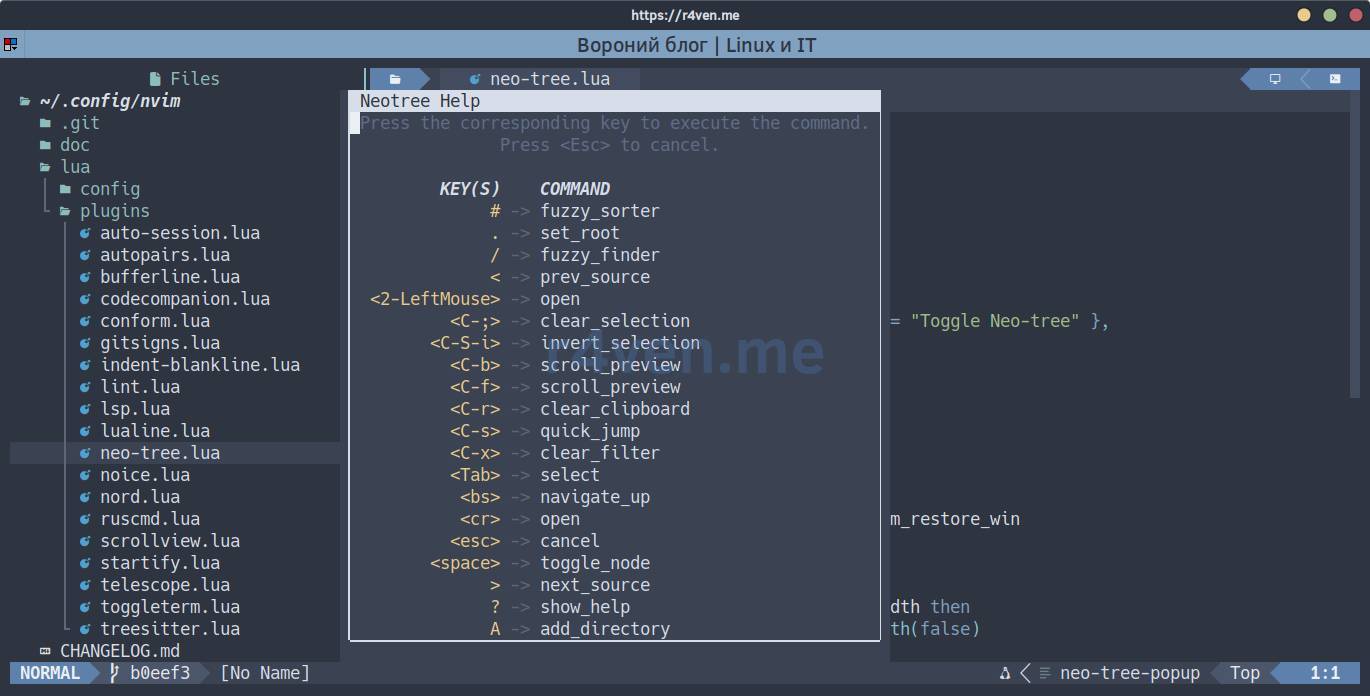
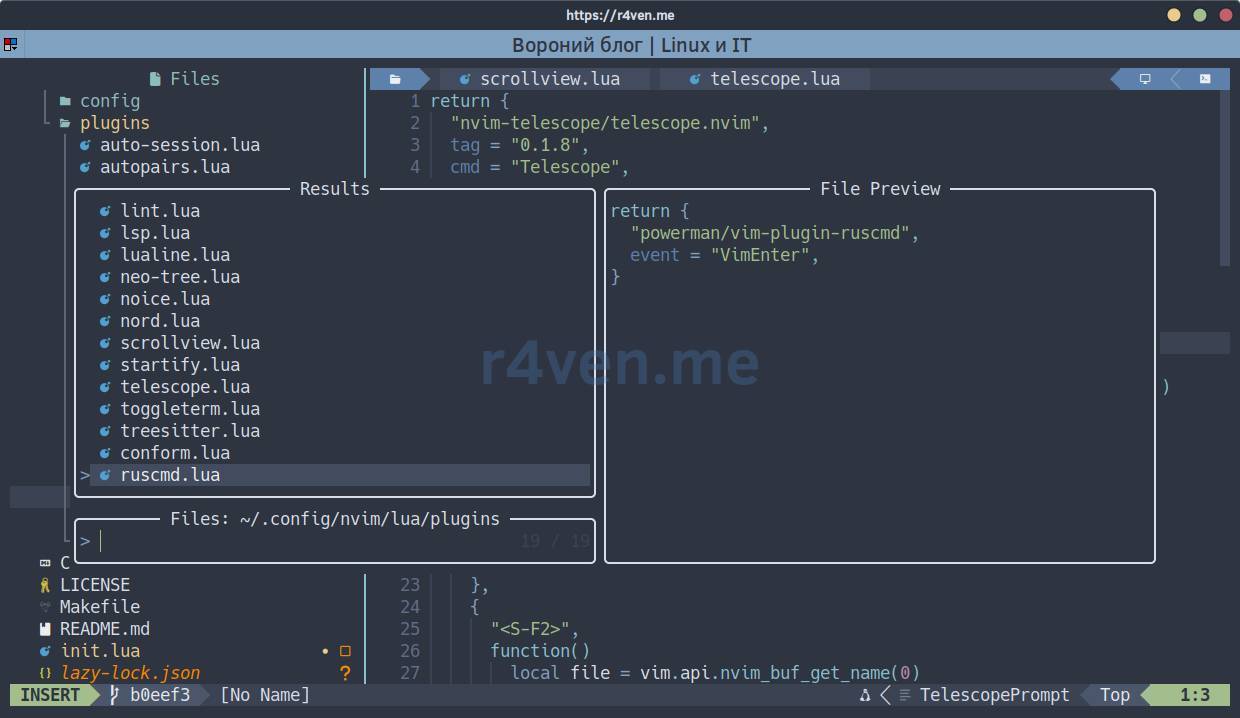
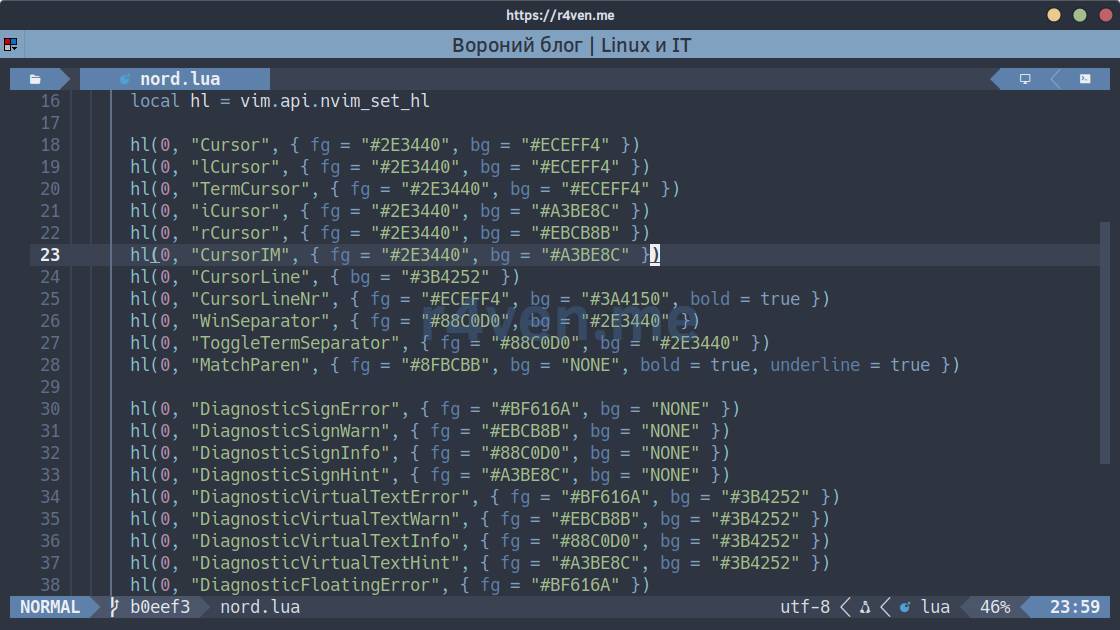
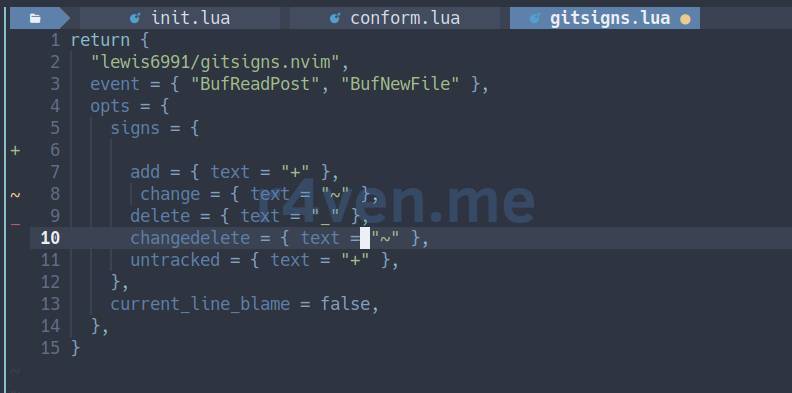
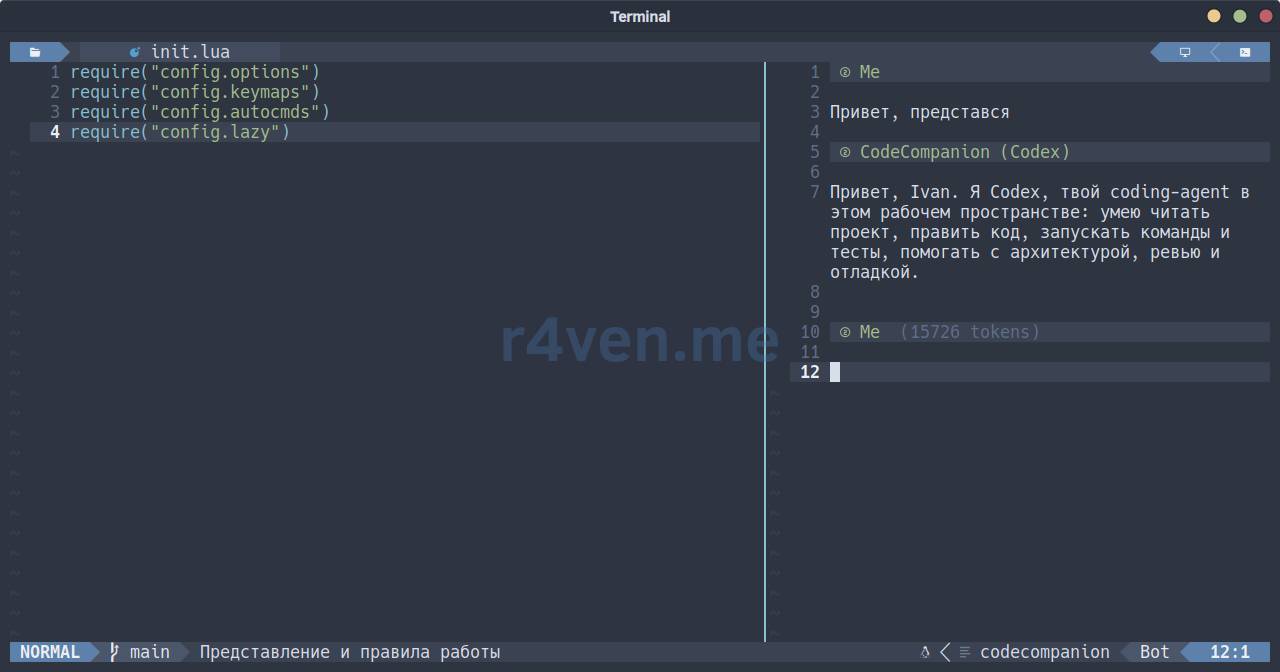
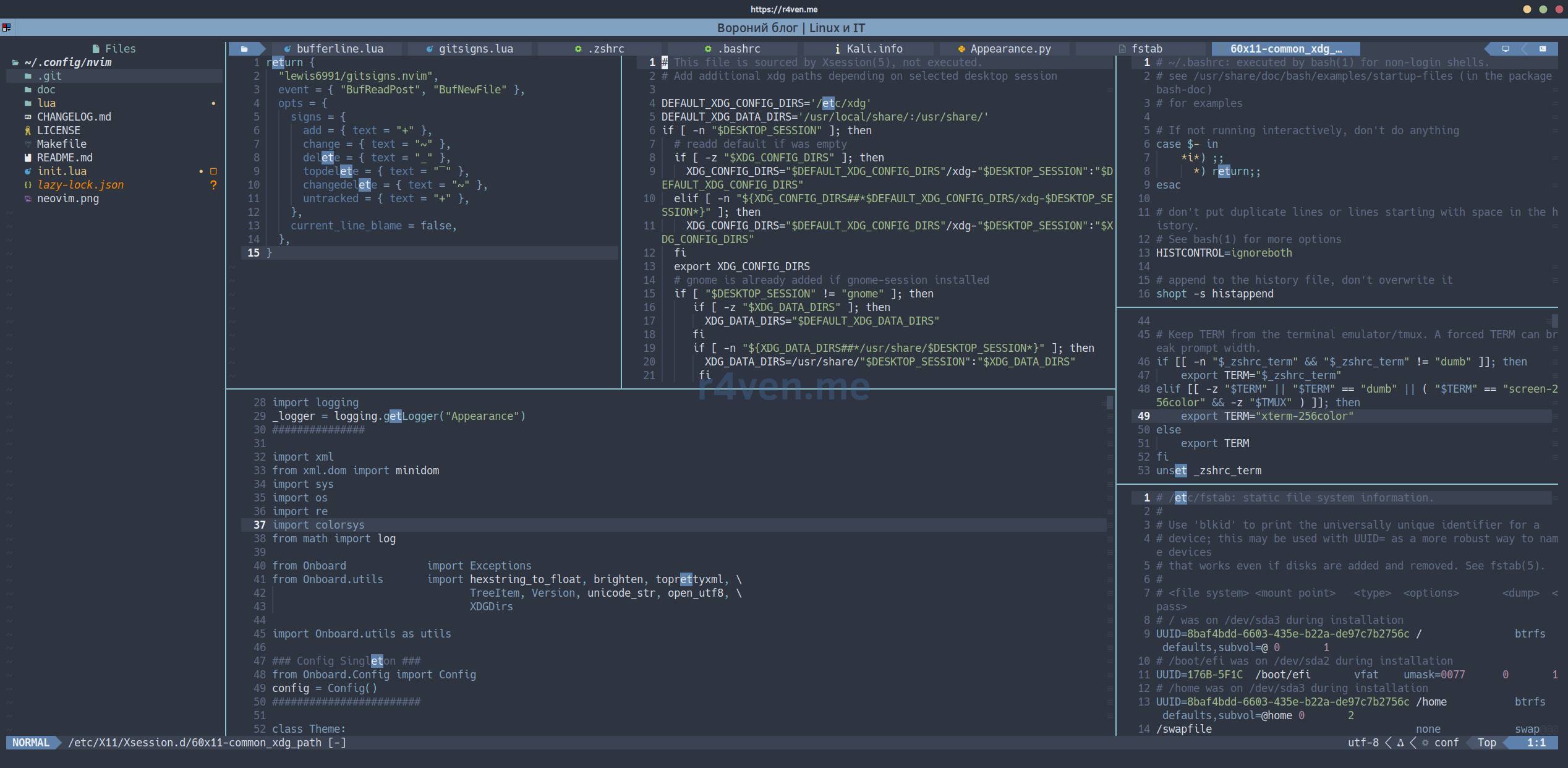
Screenshots

Want the full story?
A complete file-by-file breakdown of the config, with every hotkey and the AI chat setup, is on the blog: Neovim - Lua Configuration - Complete File-by-File Breakdown.